
No products in the cart.







You do not need every accessory to enjoy an Xbox Series S. Start with the items that fix a real problem in your setup: comfort, communication, charging, storage or display quality. Before ordering, confirm compatibility, warranty, included cables and whether the accessory is official or third-party.
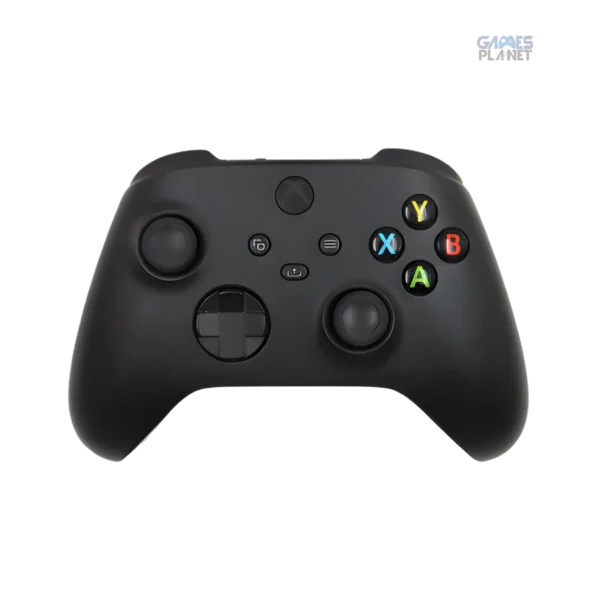
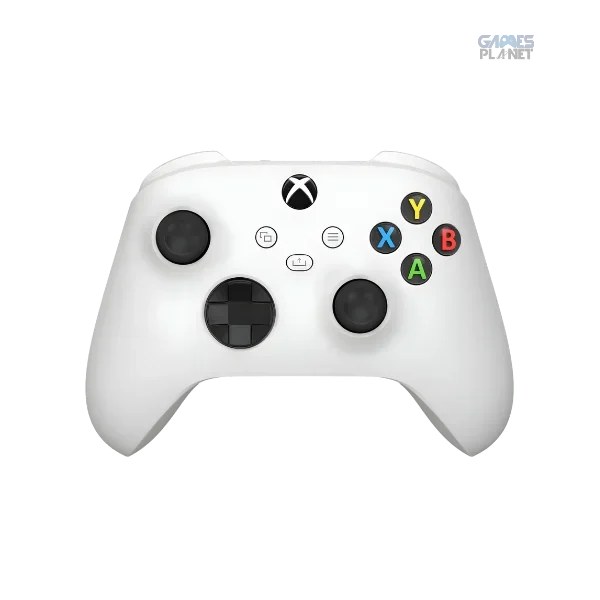
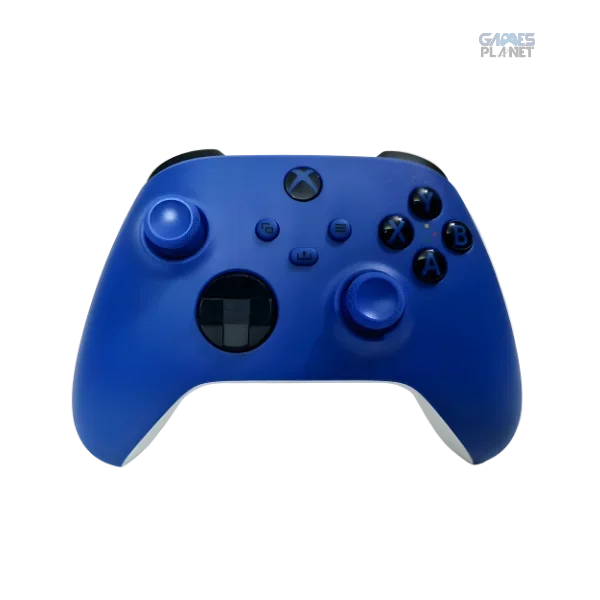
A second compatible controller is useful for couch co-op and local multiplayer. Check that your favourite games support local multiplayer first. If you pick a third-party controller, review supported platforms, connection method, button layout and return terms.
A headset makes voice chat clearer and helps you hear directional audio in supported games. Compare comfort, microphone quality, wired or wireless connection, battery life and compatibility. For long sessions, fit and weight can matter as much as advertised audio features. Browse the headsets collection to compare options.
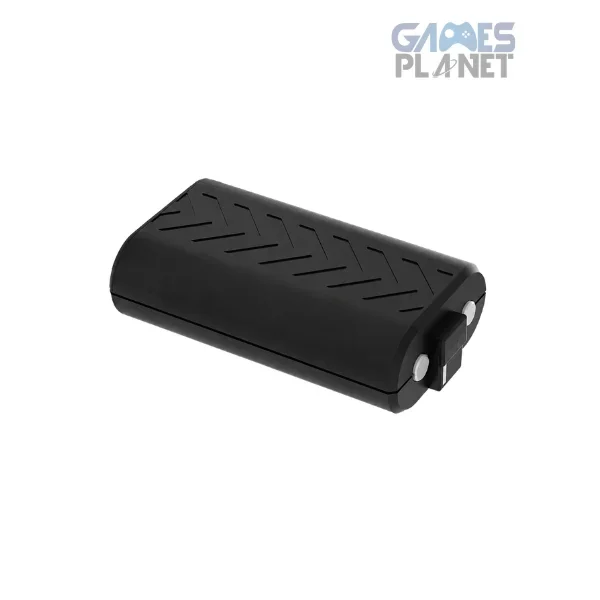
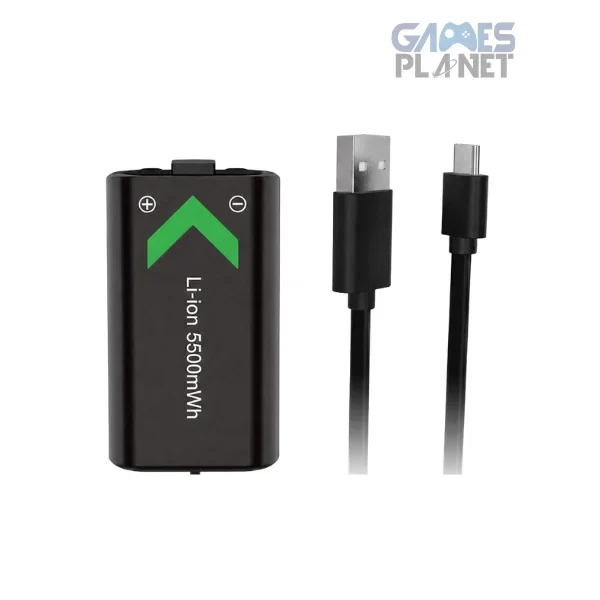
If your controller uses replaceable batteries, a rechargeable battery pack saves money over time. Check that a charging kit includes the right cable and whether you can keep playing while it charges. Not every USB cable offers the same charging or data features.
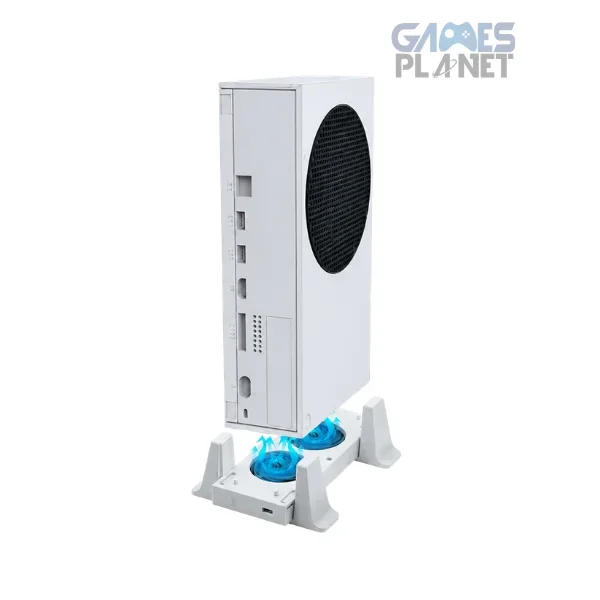
The Series S runs best with open space around its vents. If your console sits in a tight spot, a stand designed for it can help keep the area clear and organised.
If you often run out of space, compare a compatible Xbox Series X|S expansion card with a USB external drive. Expansion cards are designed to match the internal SSD for supported games. USB storage can hold and run many backward-compatible titles, while most optimized Series X|S games must run from the internal SSD or a compatible expansion card. Read our storage guide before you buy.
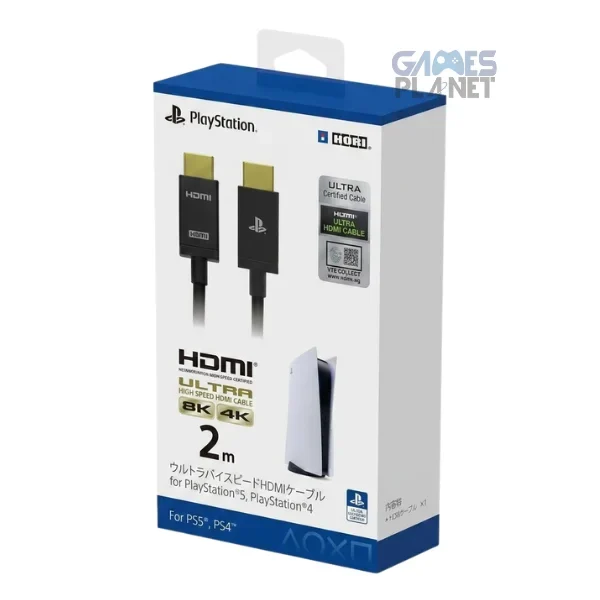
Match your display to the games you play and the console’s supported output. For higher refresh rates, confirm HDMI support and the right settings. A display advertised at 120Hz does not mean every game will output 120 FPS, so check real compatibility. Our specs guide explains how this works.
The most useful accessories are the ones that improve your own setup. Confirm compatibility and compare total prices before you buy, especially when a bundle includes items you may not need.
Controllers, charging gear, cables and more for Xbox Series S and X.
A standard package generally includes a controller, power cable and HDMI cable. Check the exact listing for the unit you are buying.
Yes. Compatible USB storage can hold games and run many backward-compatible titles. Most optimized Series X|S games need the internal SSD or a compatible expansion card to run.
No, but it helps with voice chat and private audio. Choose one that works with your controller or console setup.
Not automatically. The monitor, HDMI connection, console settings and the specific game’s frame-rate mode all matter.
Official sources: Microsoft Xbox Series S · Xbox getting started


Leave a comment