
No products in the cart.








Storage is one of the most practical differences between Xbox Series S models. The 512GB model can be enough for a small rotating library, while the 1TB model gives you far more room for installed games and updates. The right choice depends on the size of your favourite games, how often you switch titles and the price gap between the exact models available.
The storage figure on the box is not the same as the free space for games. The operating system and system data use part of the drive, and installed games keep receiving updates. When you plan your library, leave a buffer instead of assuming every advertised gigabyte is available.
The 512GB model suits players who mostly play a few games at a time, have reliable internet for reinstalling titles and do not mind uninstalling games they have finished. It also makes sense when the price difference to the 1TB model matters to your budget.
A 1TB model suits people who switch between many large games, share the console with family or simply want fewer interruptions to manage storage. Compare its extra cost against buying a compatible expansion card later.
| 512GB | 1TB | |
|---|---|---|
| Best for | Small rotating library | Large library, shared console |
| Storage management | Regular uninstalling | Much less often |
| Upfront cost | Lower | Higher |
| Expandable later | Yes, with supported expansion options | |
Xbox Series X|S supports dedicated storage expansion cards designed to match the internal SSD experience. USB external drives can also store games and run many backward-compatible titles, but most optimized Series X|S games need to run from the internal SSD or a compatible expansion card. Always check a specific game’s requirements before buying a drive.
A little planning stops you paying for storage you will not use, or buying too little.
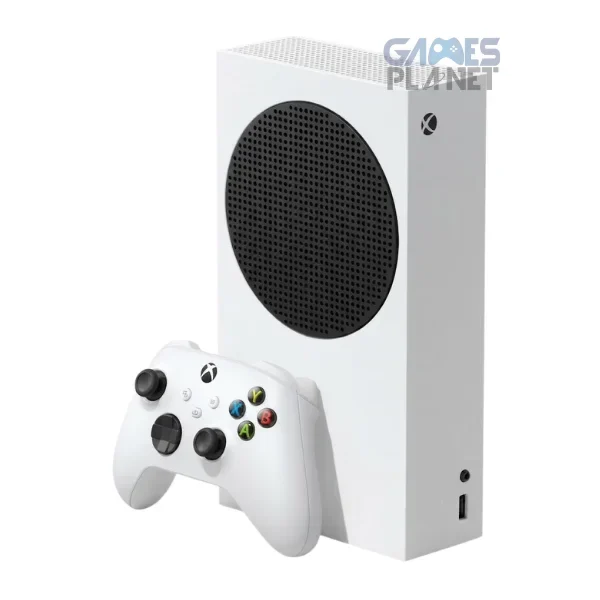
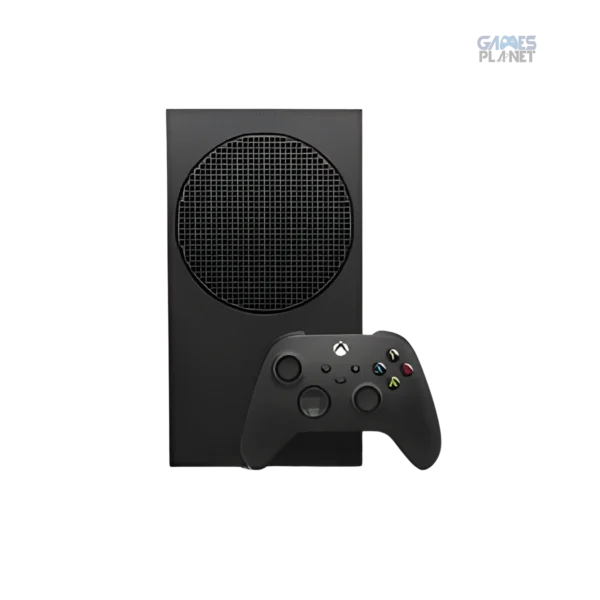
Choose 512GB if you are comfortable managing a smaller installed library. Consider 1TB if you want flexibility. Either way, confirm the exact variant on the product page rather than relying on colour alone. For the full cost picture, read our Xbox Series S price guide.
Compare 512GB and 1TB models, new or used, with live prices and stock.
It can be for a small rotating library, but usable space is lower than the advertised capacity and large games fill it quickly.
Yes. 1TB Series S models are available. Check the current listing for exact availability and options.
Yes. USB external storage can store games and run many backward-compatible titles. Most optimized Series X|S games must run from the internal SSD or a compatible expansion card.
Do not assume a standard internal drive swap is a supported consumer upgrade. Use supported external storage or a compatible expansion card instead.
Official sources: Microsoft Xbox Series S specs and storage · Xbox getting started


Leave a comment